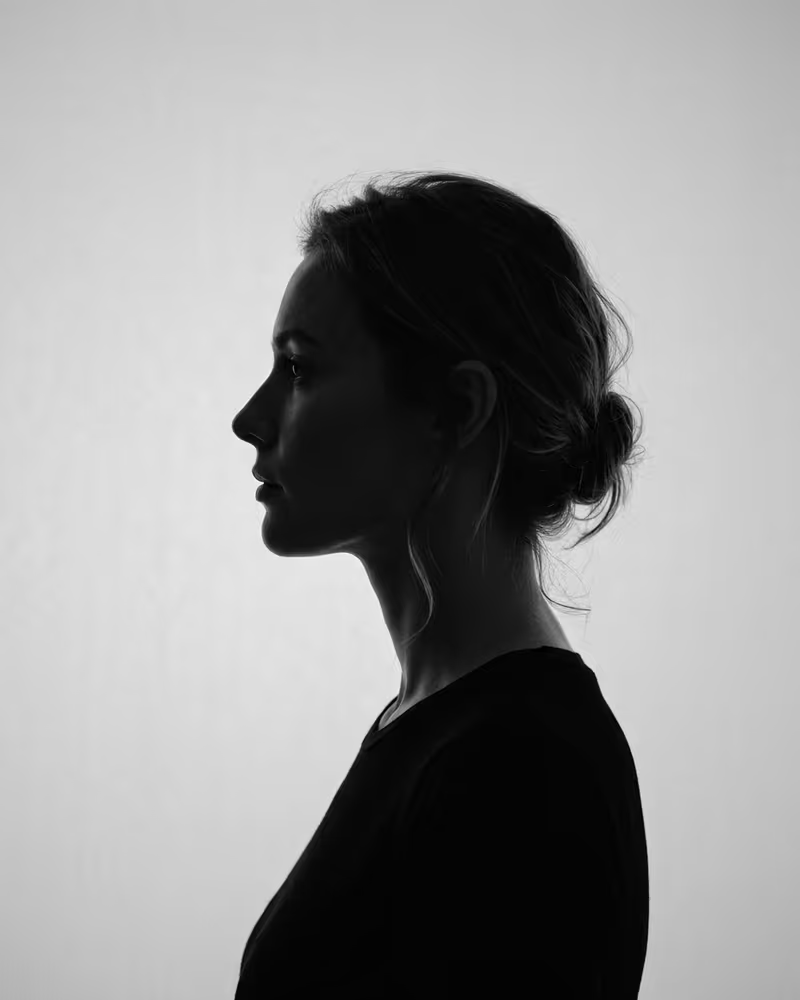
Color is the default, and mono has to earn its place
Photographers who write about this are mostly selling something, so read their enthusiasm with care. An Australian portrait studio says most businesses use color because it feels natural and makes a connection with the audience, and that web designers find color files easier to work with. Black and white is a deliberate style choice, sometimes used to make portraits taken at different times look consistent.
Recruiters add a warning. A guest post on a recruiter site says black and white pictures work when they were meant to be black and white, and fail when someone converts an ordinary photo to look more distinguished. Another career writer agrees that the style can work if it is done correctly, and fails when it is a grainy snapshot from an old camera. The pattern is consistent: monochrome is judged by its execution, and an average color photo rarely becomes a good black and white one.
What people on LinkedIn forums actually say
The worry shows up in an r/linkedin thread from someone who had finally found a decent photo, but only in black and white. The replies were relaxed. Several said that black and white does not make a photo unprofessional, that it may even stand out because nearly every profile picture is in color, and that few people look at anything beyond a tiny thumbnail. Others noted that color is far more common and suggested colorizing the picture. One commenter who described hiring said the photo should look like the person who turns up to the interview, and that a mismatch there would end it for them. That applies to any portrait, mono or not. Overall, black and white reads as a style choice, and a clear face and a true likeness decide whether the photo works.
The conversion trap: brightness replaces color
When color disappears, only brightness is left. Automatic conversion keeps the brightness of each color, so colors of equal brightness turn into the same gray. A portrait studio explains the effect plainly: results can look muddy, especially when the background is close in brightness to the skin, and the conversion can make skin look too dark even in daylight. Photographers on r/photography say the same about the simplest method: a plain desaturate gives flat, boring gray, which is why they use a black and white adjustment layer or channel mixer, then set the black and white points by hand.
The standard weighting makes the reason clear. The widely used Rec. 601 formula takes about 30 percent of the brightness from red, 59 percent from green and 11 percent from blue. A pure blue contributes almost nothing, so a navy blazer in front of a dark blue wall can merge into one dark shape. Test your photo before you commit:
- Make a grayscale copy on your phone.
- Shrink it to thumbnail size.
- Check whether the jacket, the hair and the background still separate.
If they run together, change the background or the clothes, because no filter will separate them afterward.
Where black and white fits, placement by placement
The right choice depends less on your profession than on where the image will sit. Use the table as a starting point and adjust to whatever the platform or employer asks for.
| Placement | Black and white? | Reason |
|---|
| LinkedIn or a job profile | Optional | Forum replies were relaxed and some like the contrast, but color is far more common, and one recruiter source calls it a mistake when it is only a conversion |
| Company team page | Only if the whole page is | One mono portrait among color ones looks like a mistake. A marketer in a b2bmarketing thread said that portraits from different years and different lighting make a team page look fragmented |
| Law, finance or consulting site | Acceptable | Sober tone, but color is still the safe default |
| Printed annual report or press kit | Possible | Suits one-color or editorial print layouts, if the portraits were shot for it |
| Author bio, speaker one-sheet | Possible | Works in editorial layouts when it matches the rest of the material |
| Email signature, small avatar | No | At a tiny size, color separates the face from the background |
| Creative portfolio | Yes | A deliberate style supports the work |
| Official or application portal that asks for a color photo | No | Follow the instructions exactly |
If you are unsure, supply both. Keep a color master, and convert a copy only when a layout calls for it.
What works in monochrome, and what does not
Mono rewards texture and contrast. One photography tutorial builds its black and white headshots around texture in the background, hair, beard and shirt, and a strong, directional light. It also shoots in color first and converts later, to keep every option open. Flat, even light that looks fine in color can turn dull in gray, and a plain white background gives the converter nothing to work with.
Skin is the other consideration. Black and white does not hide skin, it often emphasizes texture and shadow, so light the face softly and keep the contrast gentle. Solid black clothing against a dark background is a common mistake, because detail disappears. Choose a mid-tone or a textured fabric instead, and ask for the color version to be delivered along with the mono one.
Getting a black and white headshot from a generated portrait
Profilfoto KI creates a realistic portrait from your own selfies, in the style you choose, in about three to five minutes and without a studio session. Treat the generated image as the color master. Download it, then convert a copy in your phone gallery or a photo editor, and apply the grayscale test above before you use it. The first photo is free and carries a watermark, so you can check the likeness and the clothing contrast first. Packages are one-time payments of €4.99 for two photos, €29 for twelve and €79 for forty, with no subscription. Your selfies are stored in Frankfurt and deleted after 90 days at the latest.
Questions people ask
Is a black and white profile picture unprofessional on LinkedIn?
Not by itself. In a LinkedIn forum thread, most replies said it is fine if the face is clear and well lit, though color is more common. A converted snapshot with weak light is the case people criticize.
How do I convert a color photo to black and white without it looking flat?
Skip the plain desaturate. Photographers use a black and white adjustment layer or channel mixer, set the black and white points and add contrast. In a phone gallery, pick a mono filter, then adjust contrast and brightness by hand.
Why does my photo look muddy after I convert it?
Equal brightness becomes the same gray, so a navy jacket against a dark wall merges. Check a grayscale thumbnail before you commit, and change the background or clothes if the shapes run together.
Can my whole team use black and white headshots?
Yes, and it can make portraits from different days look consistent. Everyone needs the same treatment, otherwise a single color portrait looks out of place.
Does black and white hide skin problems?
Not reliably. It removes redness and color casts, but it can emphasize texture and shadow. Soft, even light helps more than the conversion does.
Should I keep a color version?
Yes. Web designers find color files easier to work with, and you can convert a color file to monochrome later but not the other way around.
Related pages
Create your first photo free