Professional headshot examples, annotated

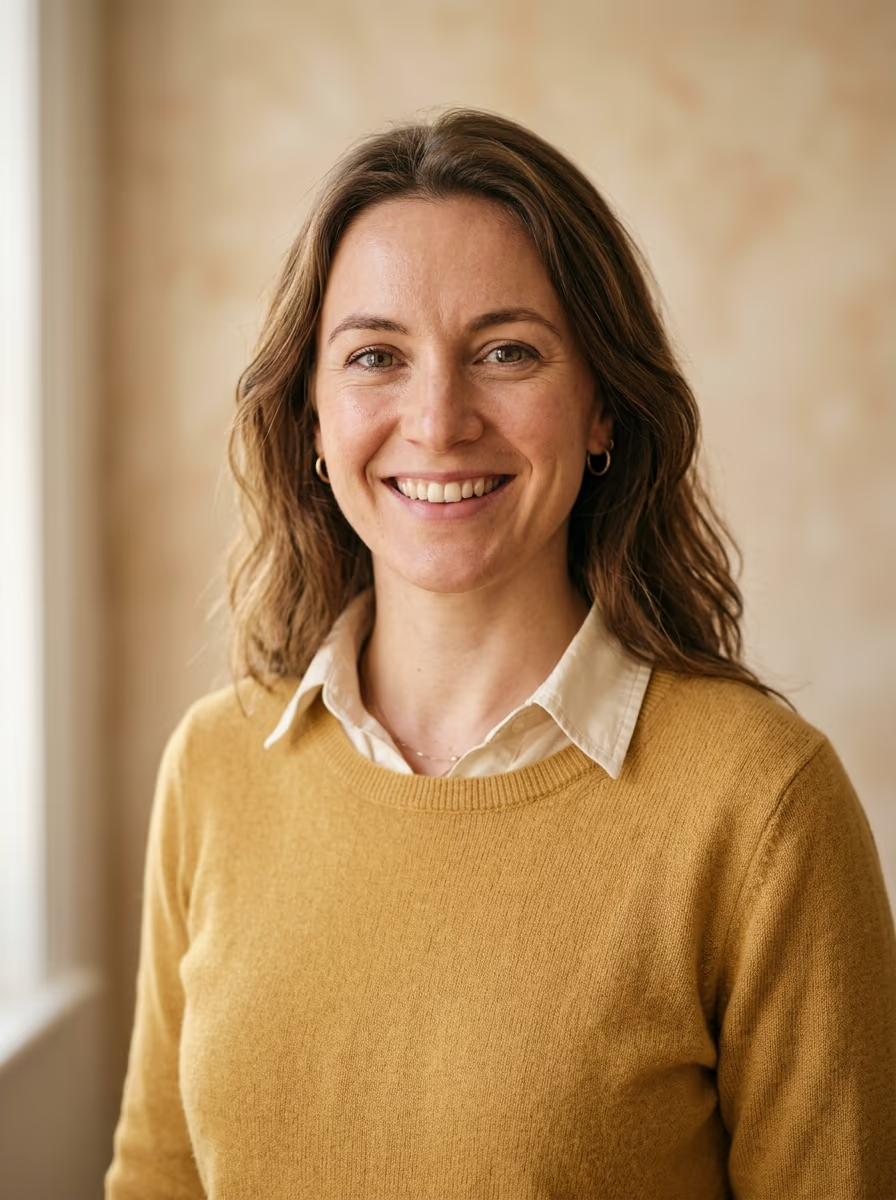
Existing Profilfoto KI portrait example of a woman in a brown blazer
Portrait example
What does a good headshot look like?

It keeps the head and a little shoulder in frame, with a calm background, a direct gaze, soft light, and clothing that suits the field.

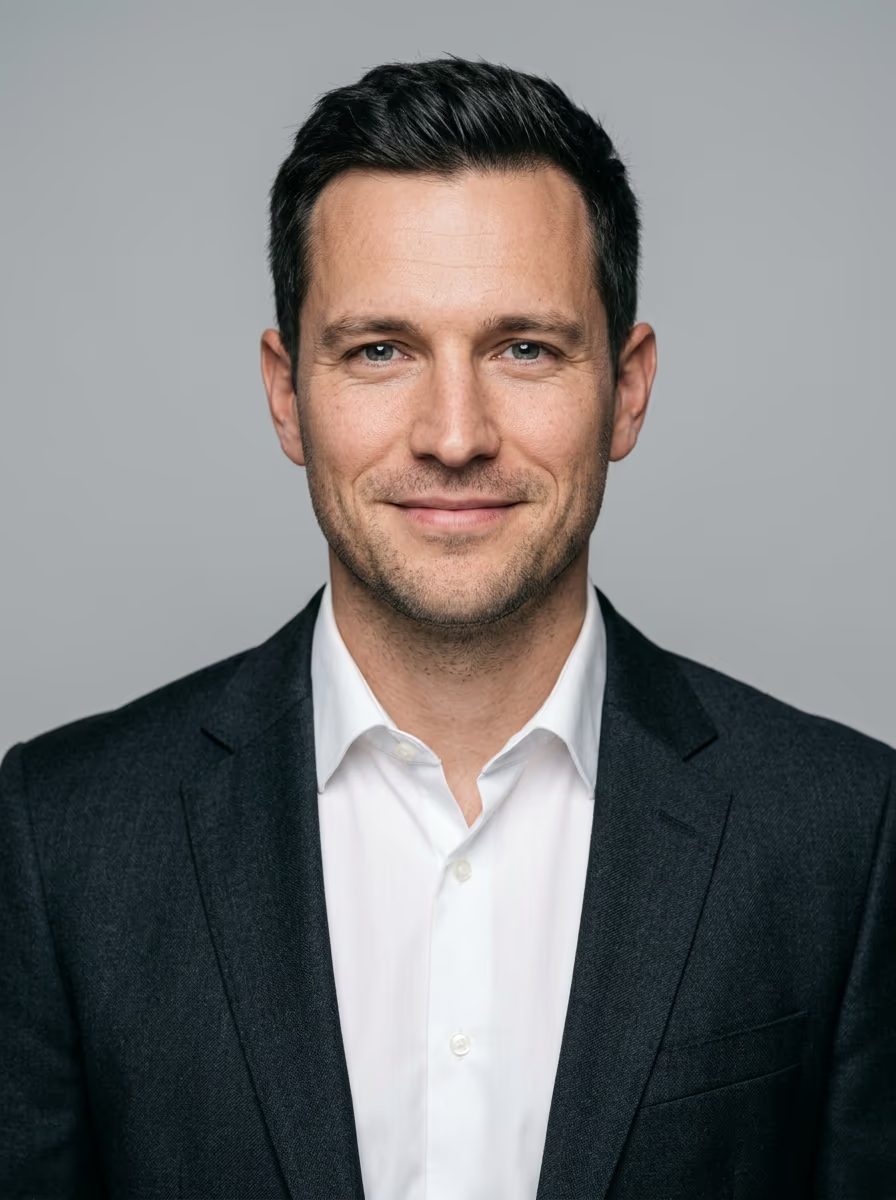
Most galleries of headshot examples show a different person in every picture, each with a different outfit, background, and lighting setup, so you cannot tell which choice did the work. The six examples here are AI portraits in the same head-and-shoulders crop. Only clothing, background, and expression change, and every example is read against the same six elements.

6 examples
One example per field
6 elements
Details that make a face read well
1 crop
Same framing for comparisons
The anatomy

What you are looking at in a good headshot example

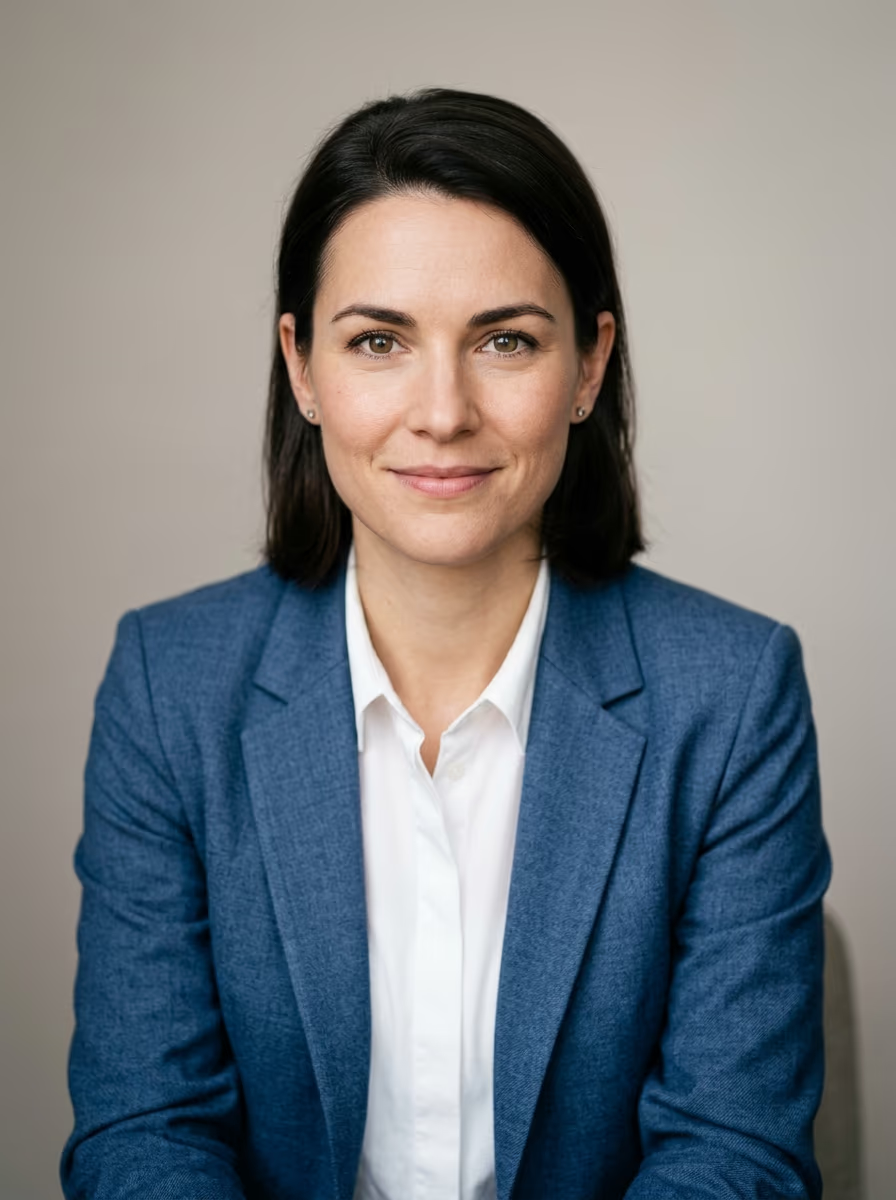
Professional headshot example: woman in a blue blazer over a white shirt, warm gray background, subtle smile
  1. 1Crop: The head and a bit of shoulder, the half-portrait crop, and nothing more.
  2. 2Background: Calm and slightly blurred, it does not compete with the face.
  3. 3Gaze: Straight into the camera, taken at eye level.
  4. 4Expression: A real, relaxed smile beats a forced grin.
  5. 5Light: Soft and from the side, without hard shadows under the eyes and nose.
  6. 6Clothing: Calm colors matched to the field keep attention on the face.

The image above carries six features that make a headshot easy to read. The numbers point to them from top to bottom.

Definition

What is a headshot?

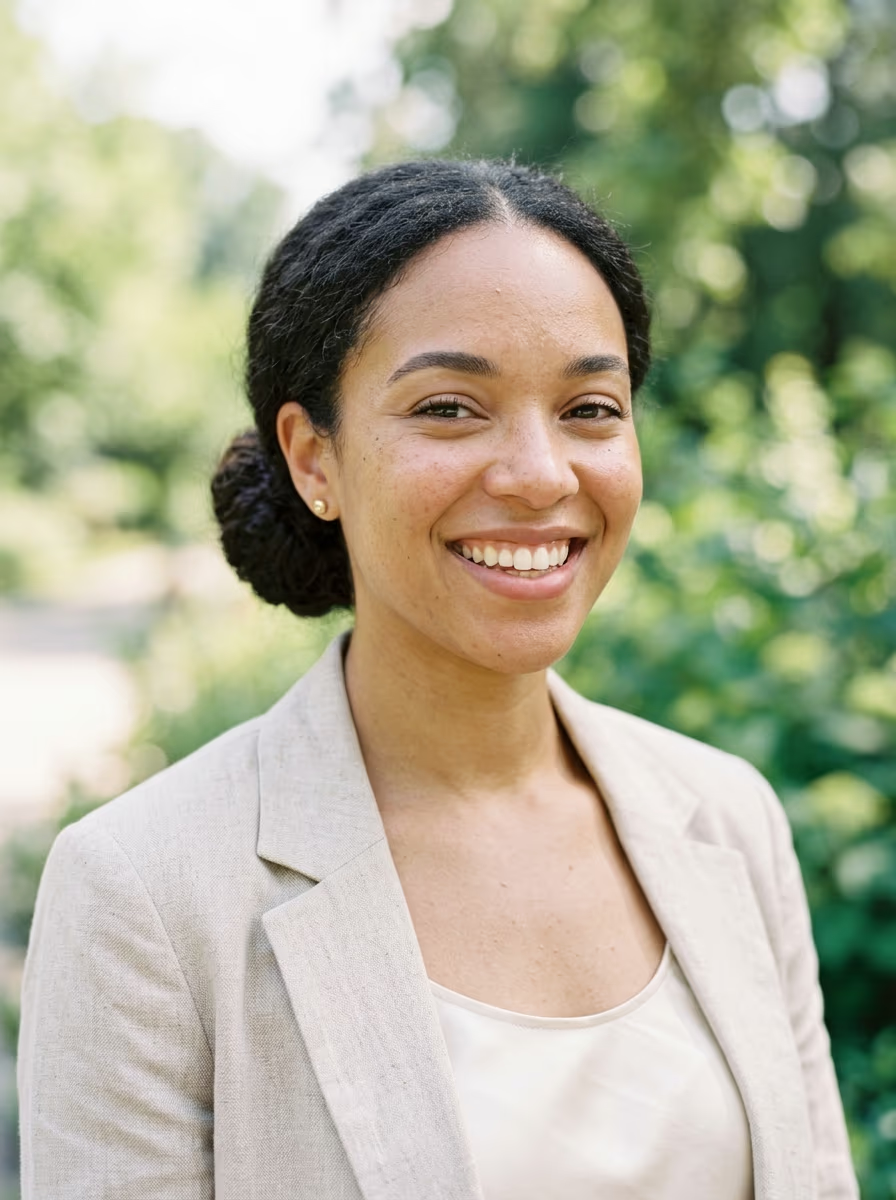
Staged illustration of a fictional Black woman with short curls, navy blazer and copper blouse
Staged illustration

A headshot is a tightly cropped business portrait used on LinkedIn or a company team page. It shows mainly the head and shoulders, and it should appear approachable and competent.

It is cropped tighter than a classic full-body or half-body portrait, which can show more of the body or the setting. A passport photo is purely formal, while a headshot is made for personal branding and lives online: as a profile picture, on an about page, in a speaker profile, or in a team overview.

Most people need one for their LinkedIn profile. Small companies increasingly use them on the about-us page and for a uniform team look, because a consistent set of portraits makes the whole company look more professional.


Small adjustments
Staged independent professional portrait illustration
Staged illustration

Three details that lift an example

Each of these changes how clearly the face reads, and each costs nothing.

Common versionBetter versionWhy
Gaze past the lensGaze into the lensA gaze just past the lens looks unsure. Looking straight into it creates contact at once.
Standing against the wallAbout one meter from the wallRight in front of the wall, hard shadows appear. Distance makes the background soft and calm so the face stands out.
Face centeredEyes in the upper thirdThe crop looks professional and avoids excess forehead or ceiling.
Compare adjustments

Clothing and background are the two decisions the examples above vary on purpose. The clothing guide and the background guide take each of them further.

What to avoid

Bad headshot examples

Photographers do not usually show their failed pictures, so the common faults belong here. The contrast below is about posture, with more guidance in headshot poses.

Bad headshot example: man standing square to the camera with crossed arms
Stiff and closed

The crossed, frontal stance looks tense and dismissive.

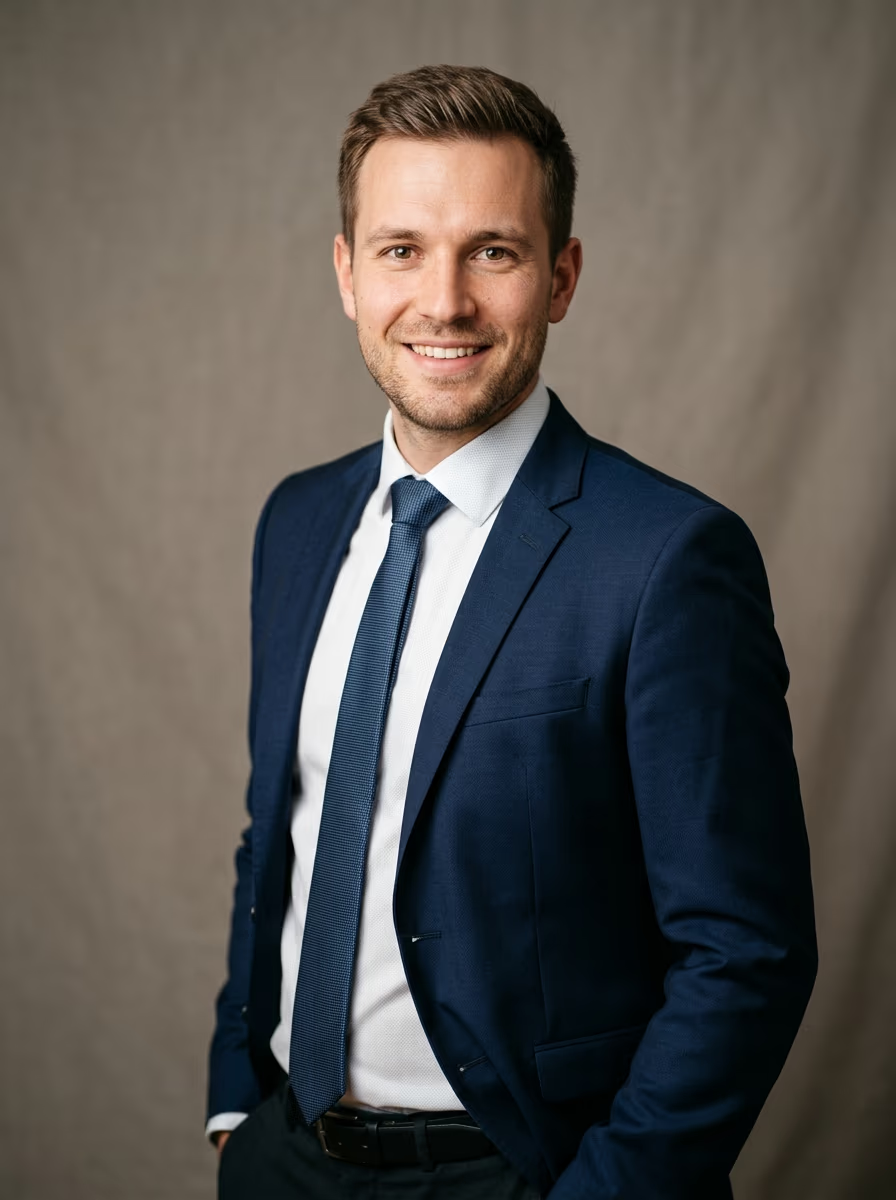
Good headshot example: man in a navy suit with his upper body turned slightly, relaxed shoulders and one hand at ease
Turned and open

The upper body turns about 15 to 20 degrees while the face stays toward the camera. Open shoulders and a relaxed hand make the whole picture look more assured.

Illustrative examples

What goes wrongWhy it hurtsWhat to do instead
Hard lightDirect sun or ceiling lights create deep shadows and can make the face look tired.Use soft daylight from the side of a window, ideally on a slightly overcast day.
Distracting backgroundSockets, frames, furniture, or door frames pull attention from the face.Choose a calm, light, single-color wall.
Outdated photoA photo older than two years may no longer show how you look, which weakens credibility.Replace it after visible changes to beard, glasses, hairstyle, or style.
Close-range selfieA short distance distorts the face and can enlarge the nose or forehead.Use the main camera on a tripod; taking a headshot at home covers the setup.
Over-retouchingPoreless skin, enlarged eyes, or an exaggerated smile look artificial in a professional portrait.Keep facial features intact and retouch lightly.
Wrong cropToo close feels intrusive, while too far makes the person look lost.Crop from the upper chest to just above the head. For LinkedIn, check that the square crop also sits cleanly inside the round profile circle.
Faults and alternatives
Generated portraits

AI-generated headshot examples: good and too artificial

You only notice AI when the result is badly made. A good AI headshot can look like a studio photo because skin, hair, and eyes stay lifelike; a weak result gives itself away through waxy skin, uncanny symmetry, or errors at the ears and collar.

AI headshot example that looks artificial: waxy poreless skin, glassy eyes and a plastic-looking collarToo artificial

Waxy poreless skin, glassy eyes, too-perfect symmetry, and collar artifacts reveal the result.

Natural-looking AI headshot example with visible skin texture and soft studio lightLooks like a studio photo

Visible pores, natural hair strands, a relaxed gaze, and soft studio light keep the face lifelike.

AI examples

These examples start with a few ordinary selfies from different angles, preferably taken in daylight. Choose a LinkedIn or relaxed business style, then set clothing and background with the AI headshot generator; the first photo is free.

Use the examples well
Staged independent professional portrait illustration
Staged illustration

An example is a direction, not a template

An example can show what works in a field, but it cannot replace your own face and presence.

A pose that feels foreign usually looks foreign in the finished picture. Leave out a detail that feels unnatural, because an honest, relaxed photo is more convincing than a perfectly copied template.

If you want to check your own picture instead of comparing it with ours, the five criteria for a professional profile picture turn that comparison into five separate tests you can run on your own photo.

Questions

Headshot examples FAQ

Staged independent professional portrait illustration
Staged illustration
What is the difference between a headshot and a portrait?

A headshot is a tight business portrait built around head and shoulders for online use. A portrait can show more of the body or setting, while a passport photo is purely formal.

Should I smile in a headshot?

Use a real, relaxed smile. In the leadership example, it is only a hint of a smile, because a composed expression can fit that setting.

Can I make an example like these with my own selfies?

Yes. Upload a few ordinary selfies from different angles in daylight so your features remain clear, then choose the clothing, background, and style for the new image.

Create your first photo for free Get started